Beginner Guide: From First Camp to a Working Settlement
Start the StoneEra demo with a practical camp-to-shelter checklist, including workbench, planks, research and checks when a tutorial objective stalls.
FAQ
Is Camp or House the easier start?
Why does the tutorial not advance?
Can I continue after the first copper bar?
What should you do immediately after starting?
Get one small production chain working before expanding the settlement: woodcutting, a Carpenter workbench, and finished planks. Then follow the in-game research, storage and shelter objectives. This route is based on the developer’s demo tutorial, updated through Demo 0.9.18; it is not a timed or personally playtested build order.
Choose your start deliberately. The 0.9.16 announcement says House provides five beds, a workbench, a campfire and covered storage. It has the same residents and supplies as Camp. House saves initial construction, while Camp lets you establish those structures yourself. House tutorial objectives recognize the workbench and shelter already supplied.
How does the opening checklist progress?
Advance through actual work, not just planned objects. The official first-steps tutorial waits for tasks to finish and saves its progress. The later Halloween update adds a Research table and B1 Timber construction before the storage and shelter stages, so older instructions that skip research are incomplete.
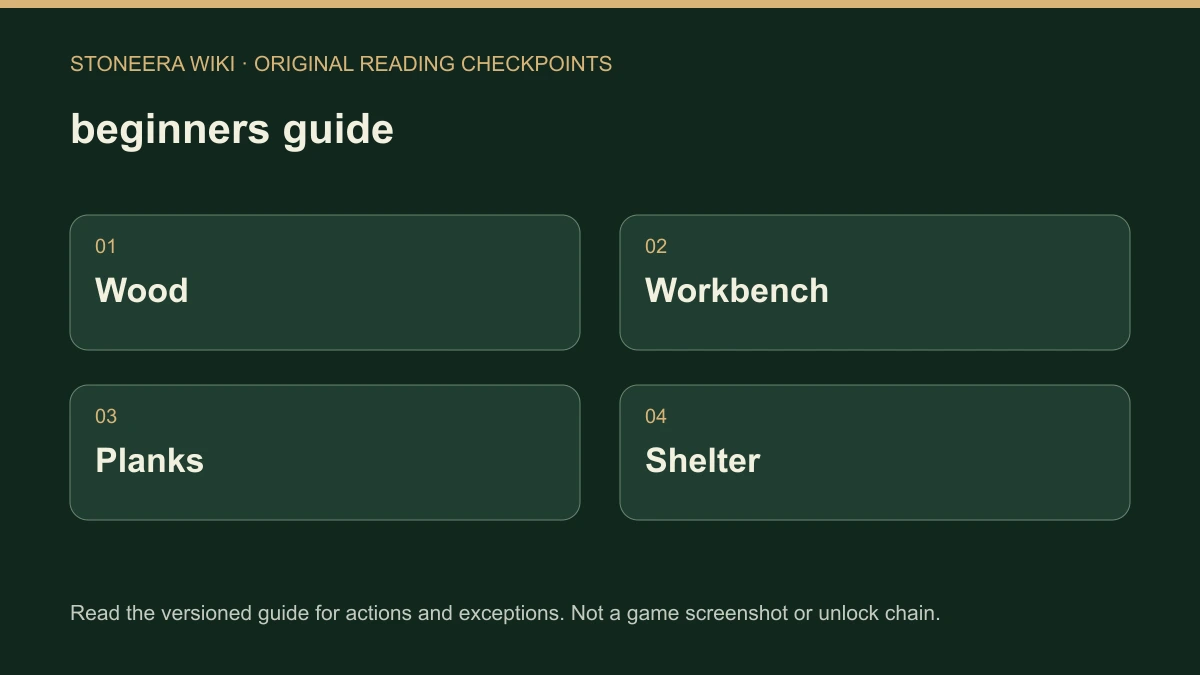
- Mark a tree for cutting and let a Woodcutter harvest it.
- Build a Carpenter workbench if your chosen start does not already provide one.
- Order planks and wait until they have actually been produced.
- Follow the guide to build a Research table and research B1 Timber construction.
- Expand storage and complete the shelter objectives shown by your current guide.
The 0.9.16.2 tutorial announcement and 0.9.16.3 update establish these milestones. Use the guide’s own menu-opening buttons when the layout differs from an older screenshot: 0.9.18 reorganized several screens.
What if nothing happens after placing an order?
Separate an uncompleted job from a missing objective. Check whether there is a suitable worker, whether the required stock is available, and whether the job reports blocked access or another prerequisite. Repeating the order does not supply a missing tool, ingredient or route and may add more work to diagnose.
Start with the professions and blocked-work checklist. For a building with delivered materials but no visible progress, inspect its construction blockers. Do not demolish a partly completed structure just because an estimated finish time is absent; estimates can disappear while work is blocked or unattended.
How do you know the first camp is working?
Look for completed planks, usable storage and a finished shelter, then check that the tutorial moves forward. A selected recipe, translucent building outline or assigned profession is only an instruction. The useful outcome is residents completing the chain and the guide recognizing the finished result.
After that, follow research toward your first copper bar. The demo’s milestone does not end your session. For the current download, technology boundary and release status, see Demo versus full game. Exact starting quantities, an optimal settlement location and a guaranteed completion time are not established here.
Related Articles
building
Save a Building Plan and Use It in Your Settlement
Create and save StoneEra building plans, find them in Buildings and separate reusable editor designs from Normal-mode materials, workers and safe access.
building
Remove Walls, Cancel Orders or Move Furniture
Choose the right StoneEra removal action for an unfinished order, finished wall, retained building project or movable furniture, with recovery limits.
building
How to Place Dirt Blocks and Fill Ground Gaps
Choose Dirt from StoneEra’s Block material list, place a terrain-filling order and distinguish Normal-mode builders from immediate Creative placement.
Was this helpful?
Thanks for the feedback!